2-click setup for Slack/Email
Pick email, Slack, SMS, WhatsApp, or webhooks. Two clicks and you're done. No webhook complexity - works out of the box. Route issues to the right people instantly.
Downtime alerts that reach the right people
We built PingPuffin's downtime alerts for teams who never finish wiring up the enterprise alert matrix. When your uptime monitor detects downtime during uptime monitoring, downtime notifications are sent instantly. Pick the humans who should hear about the first failure, add a second-wave backup, and call it a day. No sprawling YAML files, no "oops we forgot to update the on-call rotation" drama. Downtime alerts are a core part of effective uptime monitoring.
You get 80% of the downtime alert routing power with about 20% of the admin headache. Quiet hours, maintenance silence, and per-monitor targets keep the signal clean, so the only surprise is how relaxed your phone feels. With uptime monitoring, downtime alerts keep your team informed about website monitoring and API monitoring issues immediately. Downtime notifications ensure you're always aware of uptime monitoring issues.
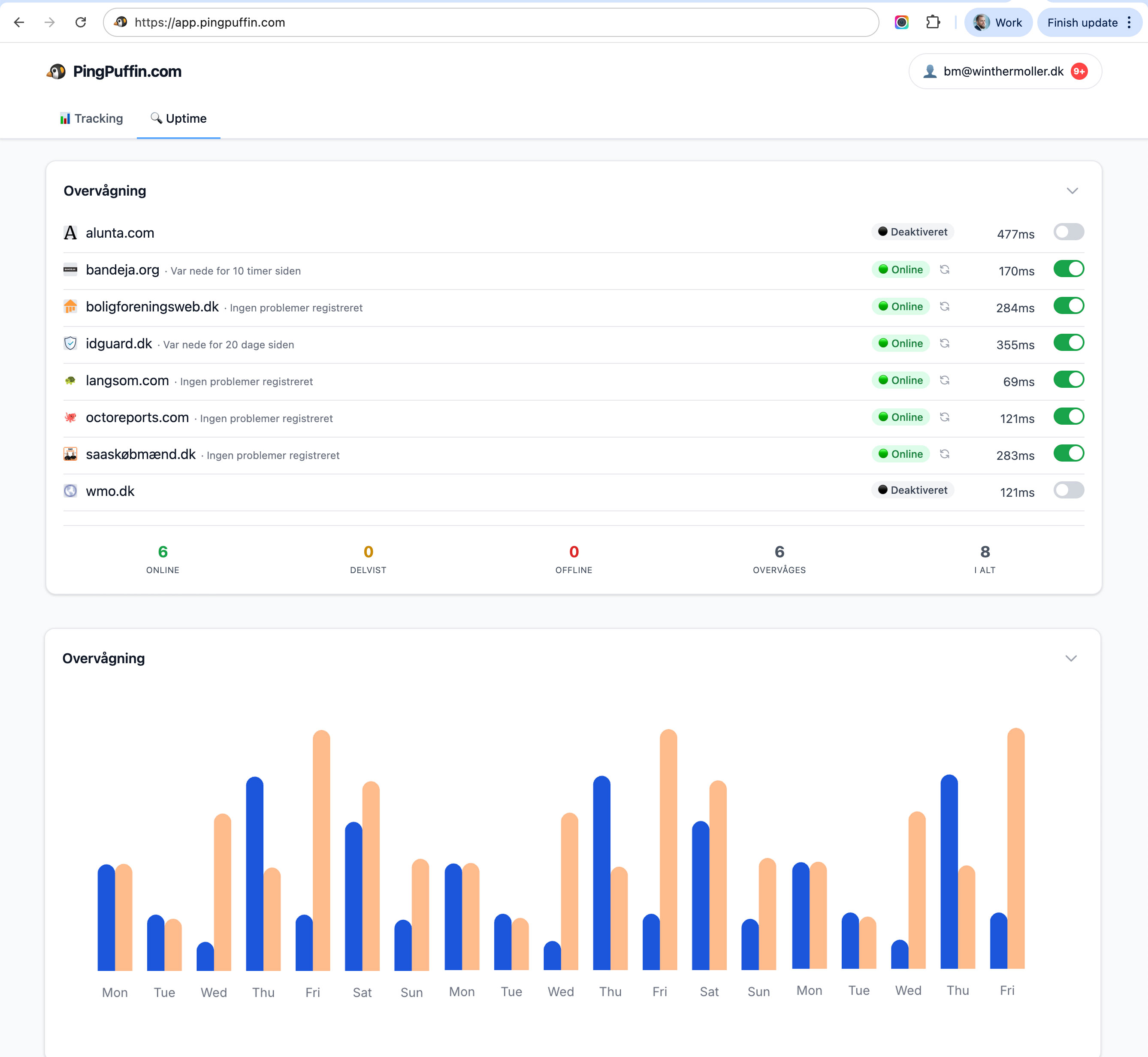
Integrations that play nice with your stack
Plug PingPuffin into PagerDuty, Opsgenie, Jira, Notion, or anything that accepts a webhook. Need something custom? Our upcoming API and Zapier integration make it easy to wire uptime data wherever it needs to live.
Slack, Teams, Discord, SMS, and WhatsApp are included now. Webhooks carry helpful context, so you can plug PingPuffin into whatever automation you already trust. It’s not the most exhaustive integration catalogue on Earth—but it covers the ones teams actually use.
Your incident workflow, uninterrupted
Pair PingPuffin with the tooling you already trust and keep response playbooks unchanged. We handle the monitoring; you keep the muscle memory.
Send alerts to your ticketing queue, pipe them into your incident bridge, or just let email handle everything—it's totally up to you. PingPuffin keeps the essentials ready while you decide if you even need the heavy stuff.
Alerting Strategies
Effective alerting requires strategy, not just configuration. Use different alert channels for different severity levels: SMS for critical outages, email for warnings, and Slack for team coordination. This prevents alert fatigue while ensuring critical issues get immediate attention.
Configure alert escalation rules so unresolved incidents automatically notify additional team members. For example, if an alert isn't acknowledged within 15 minutes, notify the on-call engineer. If still unresolved after 30 minutes, escalate to the team lead. Learn more about alerting best practices.
Channel Comparison
- Email: Best for detailed incident reports and non-urgent notifications
- SMS: Ideal for critical outages requiring immediate attention
- Slack/Teams: Perfect for team coordination and collaboration
- Webhooks: Enable automation and integration with your tools
Integration Best Practices
Integrate notifications with your existing tools to maximize effectiveness. Connect alerts to your team management system to ensure the right people are notified. Use API access to build custom integrations that fit your workflow.
For incident communication, integrate notifications with your incident communication tools. This creates a seamless workflow where monitoring alerts trigger automated responses, reducing mean time to resolution.
Notifications & integrations FAQ
How granular can alert routing be?
Route notifications per monitor, per environment, or per escalation stage. That means the on-call engineer gets the first ping, while leadership only hears about prolonged downtime or major incidents.
Do you support bi-directional integrations?
Yes. Slack, Teams, and Discord alerts include action links back to PingPuffin, and webhooks carry incident IDs so you can sync into PagerDuty, Jira, Notion, or custom automation flows.
What if I need a channel you don’t list yet?
Use the generic webhook to hit Zapier, Make, or your own API. We’re also expanding native channels—send a note to contact@pingpuffin.com and we’ll prioritise it.

Emil Højbjerg
Co-founder & CTO
Emil is co-founder and CTO of PingPuffin with more than twenty years of software engineering experience. He owns the monitoring infrastructure end to end — from the global probe network that runs checks every minute to the backend systems powering status pages, alerting, and incident notifications.