PingPuffin as an uptime monitor alternative to Freshping
If you're looking for a Freshping alternative for uptime monitoring, PingPuffin offers a different approach. Freshping has made monitoring accessible with generous free tiers, which is fantastic for teams getting started. If you're exploring alternatives, PingPuffin also believes in making uptime monitoring available to everyone—our Free plan gives you the full feature set on one website, no credit card required.
Like Freshping, we offer free access to uptime monitoring. Where PingPuffin takes a different path is in what's included on the Free plan: monitoring for one website with the full feature set—all notification channels for downtime alerts, full status page functionality, and team features—at no cost. Need to monitor more sites? Pro is €19/month for up to 100. As an uptime monitor, PingPuffin provides comprehensive website monitoring and API monitoring with downtime notifications.
What PingPuffin brings to the table
PingPuffin focuses on making monitoring straightforward from day one. When you sign up, you can add your first monitor immediately—the Free plan covers one website with the full feature set. When you're ready to track more sites, APIs, and services, Pro adds up to 100 websites for €19/month.
Our approach to simplicity extends throughout the platform. Setting up alerts doesn't require navigating complex pricing tiers—all channels are available from the start, even on the Free plan. Status pages aren't gated by feature restrictions—you get full functionality on every plan. We've designed PingPuffin to work well for both small teams and larger organizations, with pricing that scales only on the number of sites you monitor.
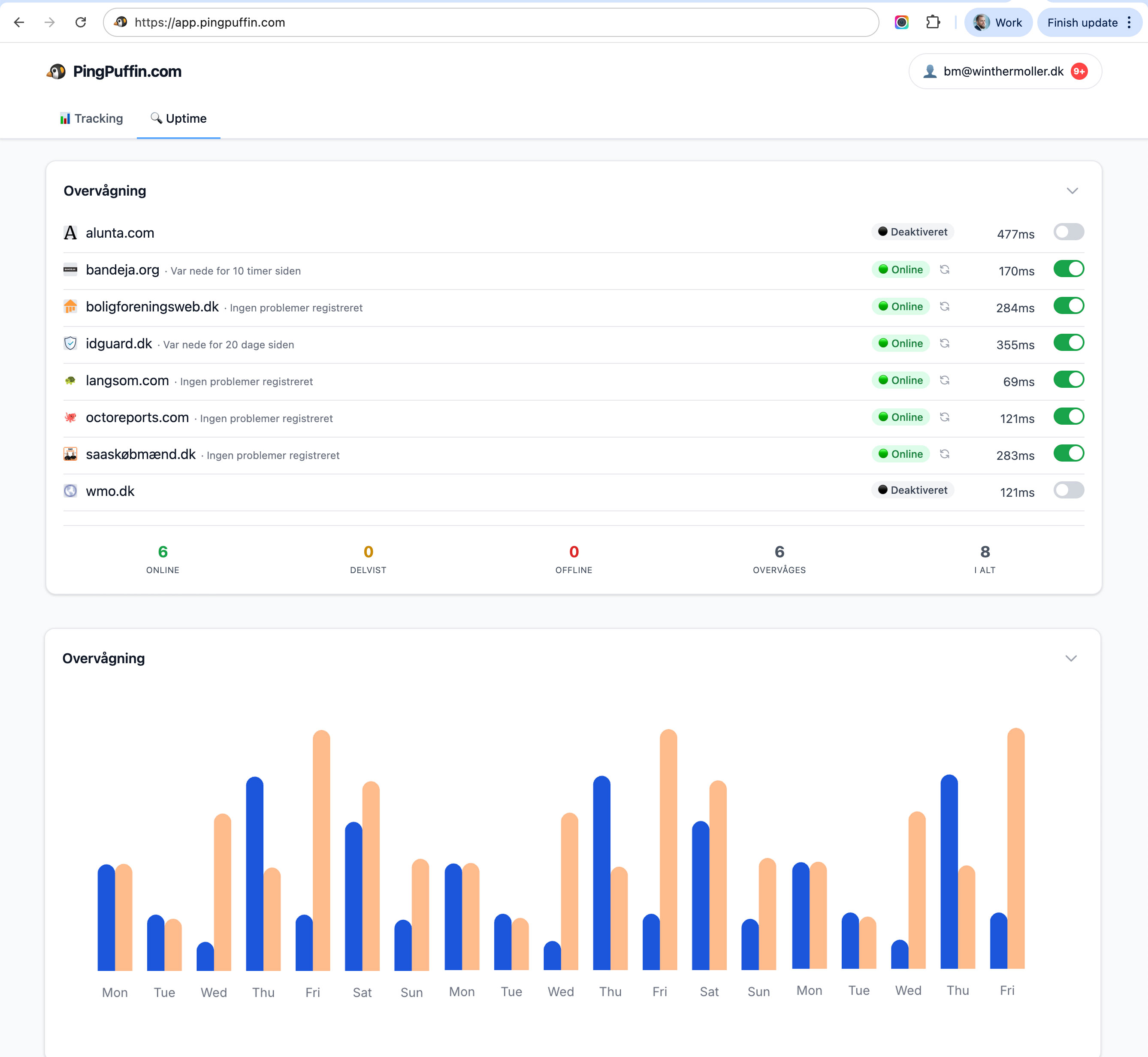
The interface reflects this philosophy. PingPuffin's dashboard shows you everything you need to know at a glance: which monitors are up, which are down, and any active incidents. There's no confusion about which features require a paid plan—every plan includes the full feature set; paid plans simply add more sites.
Give PingPuffin a chance
Since PingPuffin's Free plan covers one site at no cost, you can try everything without any risk. Set up a monitor for a real site, configure all the notification channels you need, create a status page, and invite your team—it's all included. Compare how PingPuffin feels compared to Freshping and see which approach works better for your workflow.
Many teams appreciate that PingPuffin requires minimal learning to get productive. The interface is intuitive, setup is quick, and you're monitoring within minutes rather than hours. This fast onboarding helps teams start benefiting from monitoring sooner.
Common questions about PingPuffin
How does PingPuffin's free uptime monitoring compare to Freshping?
Both platforms offer free uptime monitoring, which is great for teams. PingPuffin's Free plan covers one website with the full feature set—all notification channels for downtime alerts, status pages, and team features—at no cost. Need more sites? Pro is €19/month for up to 100. Either way you get the complete feature set without paywalled extras.
Is PingPuffin free?
Yes—the Free plan lets you monitor one website at no cost, with no credit card required, and includes the full feature set. When you need to monitor more sites, Pro is €19/month for up to 100 websites with the same features.
What notification channels are included in PingPuffin for downtime alerts?
All notification channels are available on every plan for downtime alerts: email, Slack, Microsoft Teams, Discord, SMS, WhatsApp, PagerDuty, and custom webhooks. There are no plan-based restrictions on which channels you can use or how many downtime alerts you can send.
Can I create status pages for uptime monitoring in the free version?
Yes, status pages are fully available on the Free plan. You can create public status pages, customize them with your branding, use custom domains, and all features are included. Status page functionality is the same on every plan—paid plans simply let you monitor more sites.
How many team members can I invite?
Team features are included on every plan, including the Free plan. Invite your team and assign appropriate permissions—viewers can see monitors and incidents, while admins can manage everything. This makes PingPuffin work well for both small teams and larger organizations.
What monitoring intervals does PingPuffin support?
PingPuffin supports configurable check intervals based on your needs. You can monitor critical endpoints as frequently as every minute, or less frequently for lower-priority sites. The default intervals work well for most scenarios, but you have full control to adjust them.
Does PingPuffin offer incident management features?
Yes, PingPuffin includes incident management capabilities. When incidents occur, you can post updates, communicate with stakeholders through status pages, and maintain incident timelines. This helps keep everyone informed during downtime without requiring separate incident management tools.
Can I monitor multiple regions or locations?
PingPuffin monitors from multiple locations automatically to verify incidents before alerting. This helps reduce false positives and ensures you only get notified about genuine downtime. The system handles location verification behind the scenes.
What happens to my data if I stop using PingPuffin?
You can export your monitoring data and incident history at any time. We believe teams should own their data, so export functionality is always available. If you decide to move on, you can take your monitoring history with you.
Why try PingPuffin as a Freshping alternative for uptime monitoring?
Different tools suit different teams and workflows. If Freshping works well for you, that's great! But since PingPuffin's Free plan covers one site at no cost, there's no harm in trying it. Many teams run multiple uptime monitoring tools for redundancy anyway, so having another option available can be valuable.
Help us improve these comparisons
We're working to provide accurate, helpful comparisons between PingPuffin and other monitoring systems. If you notice anything that should be corrected or added to this comparison, we'd love to hear from you. Your feedback helps us improve these pages for everyone.
You can also see an overview of all the other systems we compare PingPuffin with to understand the full monitoring landscape.